Introduction
Enterprise Search Platforms help organisations find, organise, and retrieve information across multiple systems—from document repositories and intranets to cloud apps, emails, databases, and knowledge bases. Unlike basic search tools, enterprise search is designed to handle large-scale data, strict permissions, security policies, and diverse content formats.
In modern organisations, information is scattered across SaaS tools, on-prem systems, shared drives, CRM platforms, and collaboration apps. Without an effective enterprise search solution, employees waste time hunting for information, duplicate work increases, and decision-making slows down. Enterprise search platforms solve this by indexing content centrally, applying relevance and AI-driven ranking, and enforcing access controls.
Why Enterprise Search Is Important
- Improves employee productivity by reducing the time spent searching
- Enables better decision-making with faster access to trusted data
- Supports knowledge sharing across departments
- Reduces operational friction in large, distributed teams
Common Real-World Use Cases
- Searching internal documents, wikis, and policies
- Finding customer data across CRM and support systems
- Powering internal knowledge portals and digital workplaces
- Supporting compliance audits and eDiscovery
What to Look for When Choosing an Enterprise Search Platform
Key evaluation criteria include:
- Content connectors & integrations
- Search relevance and AI capabilities
- Security, permissions, and compliance
- Scalability and performance
- Ease of use and administration
- Total cost of ownership
Best for:
Enterprise Search Platforms are ideal for mid-size to large organisations, IT teams, knowledge workers, compliance-heavy industries (finance, healthcare, legal), and digital workplaces with fragmented data sources.
Not ideal for:
They may be unnecessary for solo users, very small teams, or organisations with minimal internal content. In such cases, built-in search features of existing tools may be sufficient.
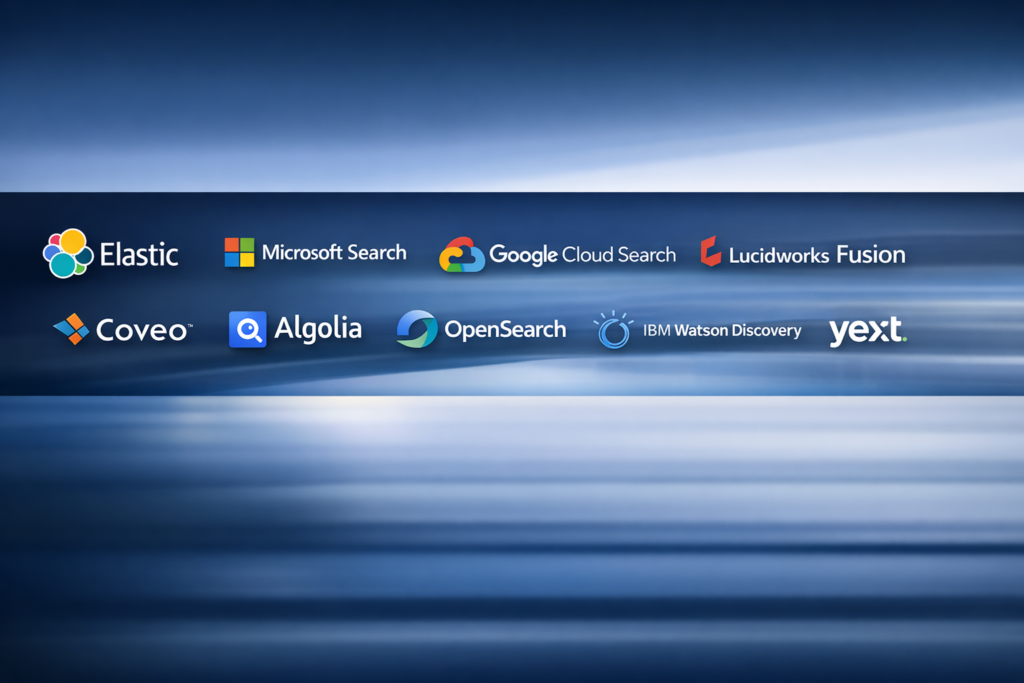
Top 10 Enterprise Search Platforms Tools
1 — Elastic
Short description:
Elastic provides a powerful, scalable enterprise search solution built on Elasticsearch, designed for technical teams needing high performance and customisation.
Key features
- Full-text and semantic search
- Real-time indexing and analytics
- Advanced relevance tuning
- Extensive APIs and SDKs
- Role-based access control
- On-prem and cloud deployment
Pros
- Extremely scalable and flexible
- Strong performance for large datasets
Cons
- Requires technical expertise
- Setup and tuning can be complex
Security & compliance:
SSO, encryption, RBAC, audit logging, and compliance vary by deployment.
Support & community:
Excellent documentation, large open-source community, and enterprise support available.
2 — Microsoft Search
Short description:
Microsoft Search integrates deeply with Microsoft 365, enabling unified search across documents, emails, chats, and enterprise apps.
Key features
- Native Microsoft 365 integration
- Contextual and personalised results
- Graph-based relevance
- Built-in security trimming
- AI-powered suggestions
Pros
- Seamless for Microsoft ecosystems
- Minimal setup effort
Cons
- Limited outside the Microsoft stack
- Less customisation than standalone tools
Security & compliance:
SSO, encryption, audit logs, GDPR, ISO, SOC 2.
Support & community:
Strong enterprise support, extensive documentation.
3 — Google Cloud Search
Short description:
Google Cloud Search offers AI-driven enterprise search optimised for Google Workspace and connected third-party tools.
Key features
- Natural language search
- Smart relevance and ranking
- Prebuilt connectors
- Cloud-native scalability
- Unified admin controls
Pros
- Excellent AI relevance
- Easy for Google Workspace users
Cons
- Best suited to the Google ecosystem
- Limited on-prem support
Security & compliance:
SSO, encryption, GDPR, and ISO certifications.
Support & community:
Enterprise-grade support, solid documentation.
4 — Lucidworks Fusion
Short description:
Lucidworks Fusion is an AI-powered enterprise search and discovery platform built on Apache Solr.
Key features
- Machine learning relevance tuning
- Behavioral analytics
- Multiple data connectors
- Search and recommendations
- Hybrid deployment options
Pros
- Strong AI-driven personalisation
- Enterprise-grade flexibility
Cons
- Higher cost
- Requires skilled implementation
Security & compliance:
SSO, encryption, audit trails, GDPR-ready.
Support & community:
Professional services, enterprise support, smaller community.
5 — Coveo
Short description:
Coveo delivers AI-powered relevance for enterprise search, customer support, and digital workplace use cases.
Key features
- Machine learning relevance
- Contextual search results
- CRM and service integrations
- Unified search analytics
- Cloud-native architecture
Pros
- Excellent relevance quality
- Strong support use cases
Cons
- Premium pricing
- Less control over low-level tuning
Security & compliance:
SSO, encryption, SOC 2, GDPR.
Support & community:
Enterprise support, good onboarding resources.
6 — Algolia
Short description:
Algolia is a fast, API-driven search platform increasingly used for enterprise and internal search experiences.
Key features
- Ultra-fast search response
- API-first architecture
- Relevance customization
- Scalable cloud infrastructure
- Analytics and insights
Pros
- Outstanding speed
- Developer-friendly APIs
Cons
- Limited built-in enterprise connectors
- Cost scales with usage
Security & compliance:
Encryption, SOC 2, GDPR, SSO support.
Support & community:
Good documentation, responsive support.
7 — OpenSearch
Short description:
OpenSearch is an open-source search and analytics suite suited for organisations seeking control and cost efficiency.
Key features
- Full-text search and analytics
- Open-source flexibility
- Plugin ecosystem
- On-prem and cloud support
- Fine-grained security
Pros
- No vendor lock-in
- Cost-effective
Cons
- Requires in-house expertise
- Fewer enterprise tools out of the box
Security & compliance:
Encryption, RBAC, audit logs varies by setup.
Support & community:
Active open-source community, optional commercial support.
8 — IBM Watson Discovery
Short description:
IBM Watson Discovery combines AI and natural language processing for enterprise search and insight extraction.
Key features
- NLP and semantic search
- Document understanding
- Smart filtering
- Industry-specific models
- Hybrid deployment
Pros
- Powerful AI insights
- Strong compliance support
Cons
- Complex configuration
- Higher enterprise cost
Security & compliance:
HIPAA, GDPR, ISO, SOC 2, encryption.
Support & community:
Enterprise-grade support, detailed documentation.
9 — Yext
Short description:
Yext focuses on structured enterprise search and “answers” across websites and internal systems.
Key features
- Knowledge graph-based search
- Structured content management
- AI-powered answers
- Analytics and insights
- Cloud-native platform
Pros
- Excellent for structured data
- Easy to manage content
Cons
- Less flexible for unstructured data
- Pricing can be high
Security & compliance:
SSO, encryption, GDPR compliance.
Support & community:
Enterprise onboarding, managed support.
10 — Sinequa
Short description:
Sinequa is a cognitive enterprise search platform built for large, data-intensive organisations.
Key features
- Advanced NLP and AI
- Knowledge graphs
- Multilingual search
- Security-aware indexing
- Customizable interfaces
Pros
- Extremely powerful AI capabilities
- Strong enterprise focus
Cons
- Long implementation cycles
- Premium pricing
Security & compliance:
SSO, encryption, GDPR, ISO standards.
Support & community:
Enterprise professional services, limited public community.
Comparison Table
| Tool Name | Best For | Platform(s) Supported | Standout Feature | Rating |
|---|---|---|---|---|
| Elastic | Large-scale custom search | Cloud, On-prem | Scalability & flexibility | N/A |
| Microsoft Search | Microsoft-centric orgs | Cloud | Native M365 integration | N/A |
| Google Cloud Search | Google Workspace users | Cloud | AI relevance | N/A |
| Lucidworks Fusion | AI-driven discovery | Cloud, Hybrid | ML relevance tuning | N/A |
| Coveo | Support & workplace search | Cloud | Contextual relevance | N/A |
| Algolia | Speed-critical search | Cloud | Ultra-fast response | N/A |
| OpenSearch | Cost-conscious teams | Cloud, On-prem | Open-source control | N/A |
| IBM Watson Discovery | Regulated industries | Cloud, Hybrid | NLP & insights | N/A |
| Yext | Structured knowledge search | Cloud | Knowledge graph | N/A |
| Sinequa | Large enterprises | Cloud, On-prem | Cognitive search | N/A |
Evaluation & Scoring of Enterprise Search Platforms
| Criteria | Weight | Description |
|---|---|---|
| Core features | 25% | Search quality, connectors, AI |
| Ease of use | 15% | Admin UI, setup, usability |
| Integrations & ecosystem | 15% | SaaS and data connectors |
| Security & compliance | 10% | Permissions, certifications |
| Performance & reliability | 10% | Speed, uptime, scalability |
| Support & community | 10% | Docs, enterprise support |
| Price / value | 15% | Cost vs capabilities |
Which Enterprise Search Platform Tool Is Right for You?
- Solo users: Built-in app search is usually enough
- SMBs: Cloud tools with simple setup and pricing
- Mid-market: Balanced AI relevance and integrations
- Enterprise: Advanced security, AI, and scalability
Budget-conscious teams should consider open-source or usage-based pricing.
Premium solutions suit regulated industries and complex environments.
Choose feature depth if data is complex; choose ease of use if adoption is critical.
Always validate integration and compliance needs early.
Frequently Asked Questions (FAQs)
- What is enterprise search?
It’s a system that enables unified search across multiple enterprise data sources. - How is it different from site search?
Enterprise search spans internal systems with permissions and security. - Is AI required for enterprise search?
Not mandatory, but AI significantly improves relevance and discovery. - Can enterprise search work on-prem?
Yes, many platforms support hybrid or on-prem deployments. - How long does implementation take?
From days for cloud tools to months for large enterprises. - Is enterprise search secure?
Most platforms support encryption, RBAC, and SSO. - What data sources can be indexed?
Documents, emails, databases, SaaS apps, and more. - Does it replace knowledge management systems?
No, it complements them by improving access. - What are common mistakes?
Ignoring permissions, poor relevance tuning, weak change management. - Are open-source tools viable?
Yes, with sufficient in-house expertise.
Conclusion
Enterprise Search Platforms play a critical role in unlocking organisational knowledge and improving productivity. The best solution depends on data complexity, security needs, integrations, and budget. There is no universal winner—only the right fit for your environment. By evaluating platforms carefully and aligning them with real business needs, organisations can turn scattered information into a strategic advantage.