Introduction
OCR & Document Capture Software plays a crucial role in modern digital workflows by converting paper documents, scanned files, images, and PDFs into searchable, editable, and structured digital data. At its core, Optical Character Recognition (OCR) uses advanced algorithms, machine learning, and AI models to recognise text from images, while document capture tools go a step further by classifying, extracting, validating, and routing that information into business systems.
In today’s data-driven environment, organisations deal with invoices, contracts, forms, IDs, receipts, and handwritten notes daily. Manually processing these documents is time-consuming, error-prone, and expensive. OCR & document capture software reduces operational friction, improves accuracy, and accelerates decision-making by automating data extraction and document handling.
Common real-world use cases include invoice processing, expense management, KYC verification, medical records digitisation, legal document indexing, and archiving historical records. When evaluating tools in this category, buyers should consider accuracy, supported file types, language coverage, automation capabilities, integration options, security standards, scalability, and total cost of ownership.
Best for:
OCR & Document Capture Software is ideal for finance teams, operations managers, HR departments, legal firms, healthcare providers, government agencies, and any organisation handling high volumes of documents. It benefits startups seeking efficiency, SMBs aiming to scale, and enterprises focused on compliance and automation.
Not ideal for:
Individuals with minimal document processing needs or teams already working entirely with native digital data may not need a full OCR solution. In such cases, lightweight PDF tools or manual workflows may suffice.
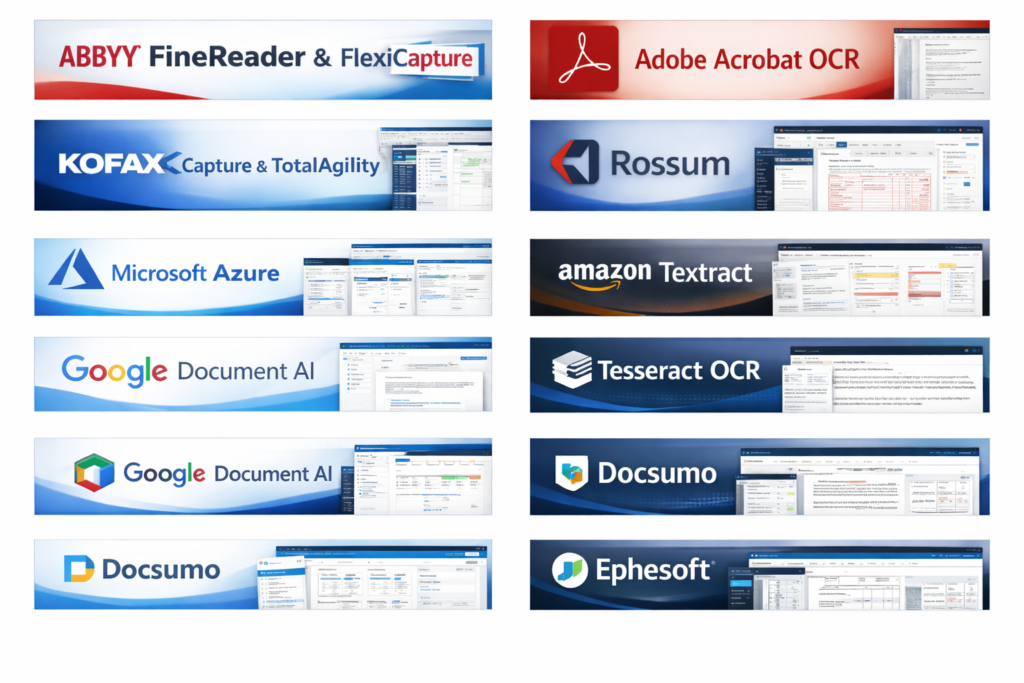
Top 10 OCR & Document Capture Software Tools
1 — ABBYY FineReader & FlexiCapture
Short description:
ABBYY provides enterprise-grade OCR and intelligent document processing solutions designed for high-accuracy text recognition and complex document workflows.
Key features:
- Advanced AI-powered OCR with high accuracy
- Intelligent document classification
- Data extraction from structured and unstructured documents
- Multi-language support
- Automated validation and verification
- Integration with ERP and ECM systems
Pros:
- Industry-leading OCR accuracy
- Suitable for large-scale enterprise deployments
Cons:
- Higher cost compared to basic tools
- Setup can be complex for small teams
Security & compliance:
Supports encryption, role-based access, audit logs, GDPR, ISO standards.
Support & community:
Strong enterprise support, extensive documentation, and professional services available.
2— Adobe Acrobat OCR
Short description:
Adobe Acrobat offers built-in OCR capabilities focused on PDF conversion and document editing for professionals and teams.
Key features:
- OCR for scanned PDFs
- PDF editing and annotation
- Text search and copy
- Cloud-based collaboration
- Cross-platform access
Pros:
- Very easy to use
- Excellent PDF handling
Cons:
- Limited automation features
- Not ideal for large-scale document capture
Security & compliance:
Encryption, access controls, and GDPR-ready.
Support & community:
Strong documentation, global support, large user community.
3 — Kofax Capture & TotalAgility
Short description:
Kofax delivers intelligent document capture and workflow automation for regulated industries.
Key features:
- Intelligent document classification
- OCR and handwriting recognition
- Workflow automation
- RPA integration
- Analytics and reporting
Pros:
- Strong automation capabilities
- Excellent for compliance-heavy sectors
Cons:
- Expensive licensing
- Requires technical expertise
Security & compliance:
SOC 2, GDPR, HIPAA-ready, strong audit controls.
Support & community:
Enterprise-grade support, certified partners, and detailed documentation.
4 — Rossum
Short description:
Rossum is a cloud-native AI OCR platform focused on invoice and transactional document processing.
Key features:
- AI-based data extraction
- Invoice-specific templates
- Continuous learning models
- API-first architecture
- Human-in-the-loop validation
Pros:
- Minimal template setup
- High accuracy for invoices
Cons:
- Limited to finance use cases
- Cloud-only deployment
Security & compliance:
SOC 2, GDPR-compliant, encrypted data handling.
Support & community:
Good onboarding, responsive support, growing community.
5 — Microsoft Azure Form Recogniser
Short description:
A cloud OCR and document understanding service designed for developers and enterprises building custom solutions.
Key features:
- Prebuilt and custom models
- OCR for forms, receipts, IDs
- REST API integration
- AI model training
- Scalable cloud infrastructure
Pros:
- Highly scalable
- Strong integration with the Microsoft ecosystem
Cons:
- Requires development effort
- Not a plug-and-play solution
Security & compliance:
Enterprise-grade security, GDPR, ISO, and SOC certifications.
Support & community:
Extensive documentation, developer community, and enterprise support plans.
6 — Amazon Textract
Short description:
Amazon Textract extracts text, tables, and forms from documents using machine learning.
Key features:
- OCR for structured documents
- Table and form extraction
- High scalability
- API-based access
- Integration with cloud workflows
Pros:
- Strong accuracy for forms
- Pay-as-you-go pricing
Cons:
- Technical setup required
- Limited UI for non-developers
Security & compliance:
Strong encryption, compliance-ready cloud infrastructure.
Support & community:
Good developer documentation, enterprise support options.
7 — Google Document AI
Short description:
Google’s AI-powered document processing platform is optimised for large-scale data extraction.
Key features:
- Advanced OCR models
- Pretrained processors
- Language detection
- Cloud-native scalability
- API-based integration
Pros:
- Excellent AI capabilities
- Handles complex documents
Cons:
- Requires technical expertise
- Pricing can scale quickly
Security & compliance:
Enterprise-grade security, GDPR-compliant.
Support & community:
Strong developer resources, enterprise support available.
8 — Tesseract OCR (Open Source)
Short description:
An open-source OCR engine suitable for developers and research projects.
Key features:
- Open-source and customizable
- Multi-language OCR
- Command-line interface
- Lightweight deployment
- Community-driven updates
Pros:
- Free to use
- Highly customizable
Cons:
- Requires technical setup
- Lower accuracy than commercial AI tools
Security & compliance:
Varies / N/A.
Support & community:
Active open-source community, extensive forums.
9 — Docsumo
Short description:
Docsumo focuses on intelligent document processing for financial and business documents.
Key features:
- AI-based OCR
- Invoice and statement extraction
- Validation workflows
- API integration
- Custom templates
Pros:
- Easy to deploy
- Good accuracy for finance documents
Cons:
- Limited use outside financial docs
- Scaling costs may increase
Security & compliance:
GDPR-compliant, secure data handling.
Support & community:
Good onboarding, responsive support team.
10 — Ephesoft
Short description:
Ephesoft offers enterprise document capture with AI-driven classification and extraction.
Key features:
- Intelligent document capture
- OCR and data extraction
- Workflow automation
- Integration with ECM systems
- Scalable deployment
Pros:
- Enterprise-ready
- Strong automation
Cons:
- Higher learning curve
- Premium pricing
Security & compliance:
Supports encryption, audit logs, GDPR, and ISO.
Support & community:
Enterprise support and training resources are available.
Comparison Table
| Tool Name | Best For | Platform(s) Supported | Standout Feature | Rating |
|---|---|---|---|---|
| ABBYY | Enterprises | Windows, Cloud | OCR accuracy | N/A |
| Adobe Acrobat | Professionals | Windows, macOS, Cloud | PDF OCR | N/A |
| Kofax | Regulated industries | Windows, Cloud | Workflow automation | N/A |
| Rossum | Invoice processing | Cloud | AI invoice capture | N/A |
| Azure Form Recognizer | Developers | Cloud | Custom AI models | N/A |
| Amazon Textract | Scalable OCR | Cloud | Table extraction | N/A |
| Google Document AI | Large datasets | Cloud | AI processors | N/A |
| Tesseract | Developers | Cross-platform | Open-source OCR | N/A |
| Docsumo | Finance teams | Cloud | Fast deployment | N/A |
| Ephesoft | Enterprises | Windows, Cloud | Intelligent capture | N/A |
Evaluation & Scoring of OCR & Document Capture Software
| Criteria | Weight | Notes |
|---|---|---|
| Core features | 25% | OCR accuracy, automation |
| Ease of use | 15% | UI, onboarding |
| Integrations & ecosystem | 15% | APIs, connectors |
| Security & compliance | 10% | Standards, encryption |
| Performance & reliability | 10% | Speed, uptime |
| Support & community | 10% | Help resources |
| Price / value | 15% | ROI, scalability |
Which OCR & Document Capture Software Tool Is Right for You?
- Solo users: Simple PDF OCR tools are often sufficient.
- SMBs: Look for cloud-based tools with automation and minimal setup.
- Mid-market: Balance integration depth and cost efficiency.
- Enterprises: Prioritise security, compliance, and scalability.
Budget-conscious teams may prefer open-source or pay-as-you-go solutions, while premium tools offer higher accuracy and compliance. Choose feature depth if workflows are complex, or ease of use for faster adoption.
Frequently Asked Questions (FAQs)
- What is OCR software used for?
It converts scanned or image-based text into editable digital data. - How accurate is modern OCR?
Leading AI-based tools achieve very high accuracy for printed text. - Can OCR handle handwriting?
Some tools support handwriting, but accuracy varies. - Is OCR secure?
Enterprise tools offer encryption and compliance controls. - Does OCR work offline?
Some desktop tools do, while cloud tools require internet access. - How long does implementation take?
From minutes for basic tools to weeks for enterprise systems. - Is OCR expensive?
Costs vary widely based on volume and features. - Can OCR integrate with ERP systems?
Yes, many tools offer APIs and connectors. - What are common OCR mistakes?
Poor scan quality and inconsistent document formats. - Are open-source OCR tools reliable?
They work well for basic needs but lack enterprise features.
Conclusion
OCR & Document Capture Software has become essential for organisations seeking efficiency, accuracy, and scalability in document-heavy workflows. From simple PDF OCR tools to advanced AI-driven enterprise platforms, the market offers a wide range of solutions.
The most important factors to consider are accuracy, automation capabilities, integration needs, security requirements, and overall value. There is no single “best” tool for everyone—the right choice depends on your document volume, industry, budget, and technical resources. Selecting the right OCR solution can significantly improve productivity and unlock the true value of your data.